
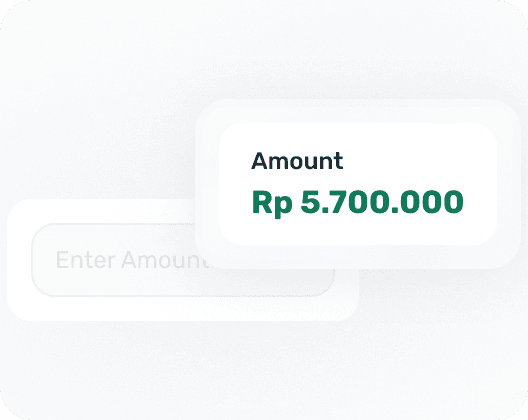
Pilih jumlah derma
Pilih jumlah yang telah ditetapkan atau masukkan derma tersuai
Simulasi Demo
Lengkapkan derma sebenar kepada UNICEF Indonesia dan alami dengan tepat apa yang akan dilalui oleh pelanggan anda daripada memasukkan jumlah hingga mengesahkan pembayaran.
Cara ia berfungsi
Pilih jumlah yang telah ditetapkan atau masukkan derma tersuai
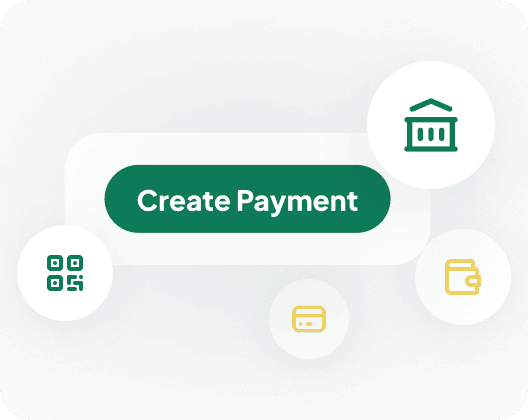
SingaPay mencipta sesi pembayaran yang dihoskan dengan selamat menggunakan API Pembayaran
Selesaikan pembayaran anda menggunakan mana-mana kaedah pembayaran yang disokong.
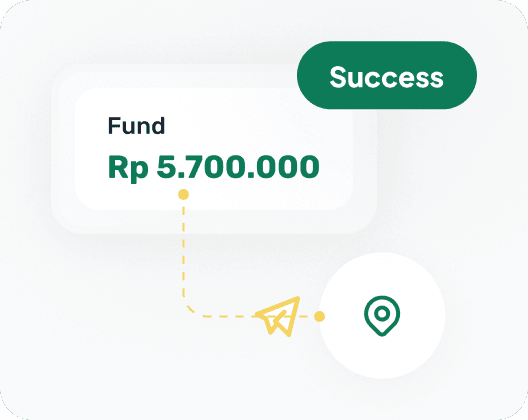
Semasa demo ini, derma dikumpulkan terlebih dahulu ke dalam akaun ujian SingaPay sebelum dipindahkan ke UNICEF Indonesia.
FAQ
Nota-nota ini menjadikan demo telus sebelum API pembayaran langsung dan aliran kerja pemindahan benefisiari dimuktamadkan.

Ya, ini bukan mockup. Halaman ini dibina berdasarkan aliran pembayaran sebenar dan sebaik sahaja API penciptaan pembayaran disambungkan, mengklik Derma akan mencipta sesi pembayaran langsung yang sebenar, seperti yang akan dialami oleh pelanggan anda.

Dalam demo ini, derma dikumpulkan ke dalam akaun ujian SingaPay sendiri terlebih dahulu. Setelah diselaraskan, pasukan kami memindahkan jumlah tersebut secara manual ke UNICEF Indonesia, langkah penyelarasan yang sama yang akan anda lihat dalam papan pemuka anda sendiri sebaik sahaja anda aktif.

Tidak. Ini ialah demo pembayaran SingaPay yang menggunakan UNICEF Indonesia sebagai penerima manfaat contoh yang dinamakan, bukan halaman derma UNICEF sendiri. Sebelum ini disiarkan secara terbuka, pengaturan kutipan dan pemindahan akan didedahkan dengan jelas pada halaman itu sendiri.